• 02 May 2026, 17:51 PM

Category Archives: Cloud Backup

backup

Your Backup Is Potentially Useless. Here’s Why.

Most organisations believe they are protected because they have backups in place.

They tick the box.
They pass audits.
They assume they are covered.

But in reality, backups alone do not protect your business.

They protect your data.

And those are not the same thing.


The Misconception: Backup = Recovery

A backup strategy answers one question:

“Can we retrieve our data?”

But business continuity depends on a completely different question:

“How quickly can we operate again?”

That gap between data recovery and operational recovery is where most failures happen.


What Actually Happens During an Incident

Let’s take a realistic scenario:

A ransomware attack encrypts your systems at 09:00.

You have backups. Good.

Now what?

Step 1: Identify the breach

Hours can pass before the full scope is understood.

Step 2: Isolate affected systems

You cannot restore safely until the threat is contained.

Step 3: Validate backups

Are they clean? Are they recent? Are they complete?

Step 4: Begin restoration

This is where most assumptions break.

Large datasets take hours or days to restore
Infrastructure must be rebuilt or reconfigured
Dependencies between systems cause delays

Step 5: Test systems

You cannot bring systems live without validation.

Step 6: Restore user access

Staff still need:
Devices
Network access
Applications
Secure authentication

At this point, even with good backups, many businesses are still offline for days.


The Real Problem: Recovery Time

This is where two critical metrics come into play:

Recovery Time Objective (RTO)

How long it takes to restore operations.

Recovery Point Objective (RPO)

How much data you can afford to lose.

Most organisations focus heavily on RPO, which relates to backups.

But it is RTO that determines whether your business survives.

Because:

A 24 hour outage means lost revenue
A 72 hour outage means lost customers
A week long outage can mean potential business failure


Why Backups Fail in Practice

Backups do not fail because they do not exist.

They fail because they are incomplete as a strategy.

1. No Infrastructure to Recover Into

Backups need a target environment.

Without:
Pre configured servers
Network infrastructure
Security controls

You are rebuilding from scratch.


2. No Defined Failover Process

Most organisations do not have a clear, tested sequence for switching operations.

Instead, recovery becomes:
Reactive
Manual
Slow


3. No Workplace Recovery Plan

Even if systems are restored:

Where do staff work?
How do they access systems?
What happens if the office is unavailable?

This is one of the most overlooked risks.


4. No Testing Under Real Conditions

A backup that has never been tested is a theoretical solution.

Under pressure:
Scripts fail
Dependencies break
Teams do not know their roles

Testing exposes reality.

Most organisations avoid it.


What Real Business Continuity Looks Like

A proper strategy goes far beyond backup.

It includes:

1. Replicated Infrastructure

Not just stored data, but ready to run environments.

2. Defined Recovery Processes

Clear, documented, and rehearsed.

3. Rapid Failover Capability

The ability to switch operations in minutes, not days.

4. Workplace Recovery

Ensuring people, not just systems, can function.

5. Regular Testing

Simulating real world failure scenarios.


Backup Is One Piece of a Larger System

Backups are still essential.

But they are just one component in a broader resilience strategy.

Without the surrounding infrastructure and planning, they create a false sense of security.


The Question Most Businesses Avoid

It is easy to ask:

“Do we have backups?”

It is much harder, and more important, to ask:

“How long could we realistically operate without our systems?”

Because that answer defines your actual level of risk.


Final Thought

Technology failures do not usually destroy businesses.

Downtime does.

And downtime is not solved by backups alone.


If you have never tested your recovery under real conditions, you do not truly know your risk.

It might be worth asking:

How long could your business actually survive offline?
Talk to us about real world backup and recovery.

    Please prove you are human by selecting the key.

    O365 dashboard scaled 1

    Acronis 365 Backup Solutions with DSM Group

    Protecting Your Microsoft 365 Data

    Microsoft 365 (formerly Office 365) has become the backbone of business productivity – with Exchange Online, SharePoint, OneDrive, and Teams central to daily operations. However, what many organisations don’t realise is that Microsoft operates on a shared responsibility model. While Microsoft ensures service uptime and infrastructure resilience, protecting your business-critical data is your responsibility.

    That’s where Acronis 365 Backup, delivered by DSM Group, comes in.


    Why Microsoft 365 Data Still Needs Backup

    Relying on the default retention policies within Microsoft 365 can leave your organisation exposed. Common risks include:

    • Accidental Deletion – A user mistakenly deletes files, emails, or Teams messages.
    • Malicious Actions – Disgruntled employees or external attackers intentionally remove or corrupt data.
    • Ransomware & Malware – Malicious code can spread through shared mailboxes and OneDrive.
    • Compliance & Legal Hold – Regulatory requirements often demand longer data retention than Microsoft provides by default.

    Without a third-party backup, once Microsoft’s retention period lapses, your data is permanently lost.


    DSM Group’s Acronis 365 Backup Solution

    DSM Group leverages Acronis Cyber Protect Cloud to deliver comprehensive Microsoft 365 backup and recovery. Our solution covers:

    • Exchange Online – Protect mailboxes, calendars, contacts, and attachments.
    • SharePoint Online – Secure entire sites, documents, libraries, and permissions.
    • OneDrive for Business – Backup files and folder structures with versioning.
    • Microsoft Teams – Preserve chat messages, shared files, and team site content.

    All data is stored securely in DSM’s UK Data Centres, ensuring compliance with GDPR and local data residency requirements.


    Key Features & Benefits

    • Automated Backups – Schedule daily or more frequent backups for complete peace of mind.
    • Fast Recovery – Granular restore options let you recover a single email, file, or entire mailbox in minutes.
    • Ransomware Protection – Built-in Acronis Active Protection detects and blocks suspicious activity.
    • Compliance Ready – Meet GDPR, FCA, and other regulatory obligations with extended retention and audit trails.
    • Scalable & Flexible – Pay only for what you need – easily scale up as your Microsoft 365 usage grows.
    • UK Data Sovereignty – Your backups never leave DSM’s secure UK facilities.

    How It Works

    1. Seamless Integration – DSM connects your Microsoft 365 tenant to the Acronis backup platform with no downtime.
    2. Policy Setup – Backup frequency, retention policies, and security settings are tailored to your business needs.
    3. Ongoing Protection – Your data is backed up automatically to DSM’s secure cloud.
    4. Quick Recovery – Restore lost or corrupted data on-demand, whether it’s a single file or an entire SharePoint site.

    Why Choose DSM Group?

    With nearly 40 years of experience in data protection, colocation, and business continuity, DSM Group provides more than just backup software. We deliver:

    • End-to-End Management – From configuration to ongoing monitoring and support.
    • UK-Based Support – Expert helpdesk and technical support available when you need it.
    • Trusted Infrastructure – Hosted within DSM’s eco-friendly UK Data Centres.
    • Proven Experience – Trusted by businesses across multiple industries for secure data management.

    Get Started Today

    Don’t leave your Microsoft 365 data unprotected. Whether it’s a single accidental deletion or a ransomware attack, the cost of data loss can be devastating.

    DSM Group’s Acronis 365 Backup solution ensures your data is always secure, compliant, and recoverable.

    Contact us today to discuss your Microsoft 365 backup requirements and request a free demo.

    google-workspace-backup

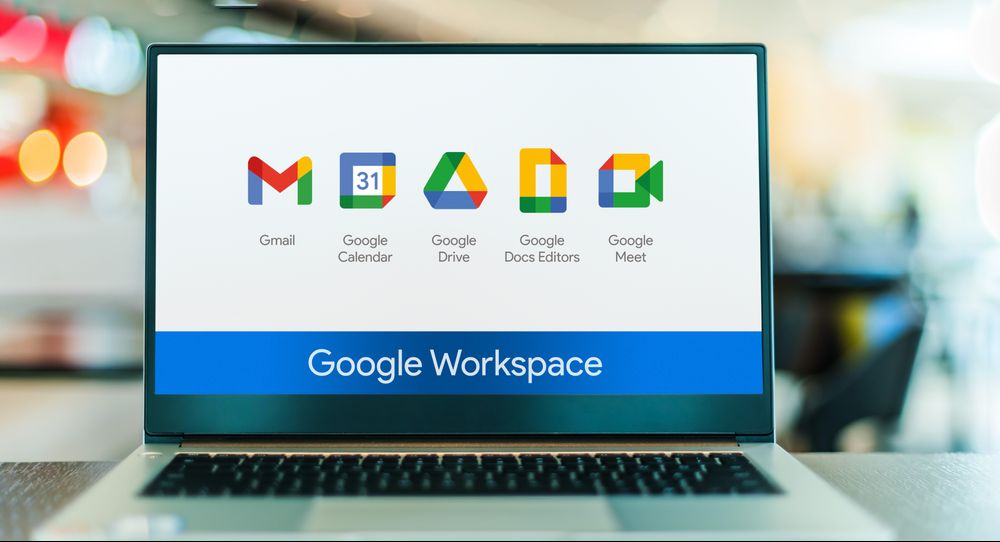
    Why Google Workspace Backup Matters: Protecting Your Data Beyond Google’s Defaults

    Google Workspace (formerly G Suite) has become the backbone of collaboration for millions of organisations worldwide. With its cloud-native apps like Gmail, Google Drive, Calendar, and Docs, it offers incredible productivity and accessibility.

    But here’s a critical question: is your Google Workspace data really safe — and recoverable — when you need it most?

    Many businesses are surprised to learn that Google’s built-in tools don’t offer comprehensive data protection, particularly when it comes to accidental deletions, misconfigured policies, or offboarding users. In this post, we’ll explore the hidden risks and explain why a dedicated Google Workspace backup solution is now considered essential.


    The Common Misconception: “Google Backs Everything Up, Right?”

    While Google ensures platform availability and redundancy of infrastructure, it does not guarantee recovery of deleted or altered data beyond specific limits. Here’s what that means in practice:

    Risk AreaGoogle’s Native ProtectionGaps
    Accidental deletionTrash (30-day retention)Data gone after 30 days
    Malicious deletionAudit logs and vault (if configured)Requires pre-configured retention rules
    Departing employeesAccount can be suspendedData lost if account deleted without backup
    RansomwareLimited protection via Drive versioningEncrypted files may still be synced
    Legal hold/discoveryOnly with Vault (enterprise tier)Not available to all customers
    MisconfigurationsNo rollback of admin policy changesUnintended changes hard to reverse

    In other words, your data is only as safe as your policy design — and human error is a frequent culprit.


    What Happens When an Employee Leaves?

    One of the most overlooked causes of irreversible data loss in Google Workspace is the deletion of user accounts during offboarding. When an employee departs, it’s common practice to remove or repurpose their user license — but unless data is manually migrated or backed up, it’s gone permanently.

    You may lose:

    • Gmail conversations with clients
    • Google Drive files and shared documents
    • Calendar history and meeting notes
    • Shared Drive ownership links

    With no way to restore deleted accounts after 20–30 days (depending on admin action), businesses risk losing years of operational knowledge.


    The Growing Importance of Backup for Compliance and Insurance

    Much like Microsoft 365, insurers and regulators are now asking harder questions about cloud backup:

    • Can you demonstrate recoverability of Gmail or Drive data?
    • Is your data retained beyond Google’s default timeframes?
    • Are shared drives and collaborative content preserved after staff turnover?

    For many, the answer is no — unless a third-party backup solution is in place.


    What a Reliable Google Workspace Backup Solution Should Offer

    A robust backup solution for Google Workspace goes beyond redundancy — it enables full control, fast recovery, and long-term retention. Here’s what to look for:

    ✔️ Automated Daily Backups

    Capture all user and shared data automatically, including:

    • Gmail
    • Google Drive (incl. Shared Drives)
    • Contacts and Calendars
    • Google Meet and Chat history (if applicable)

    ✔️ Granular Restore

    Recover:

    • Individual emails
    • Specific files
    • Calendar entries
    • Entire user accounts

    …without needing to perform a full data restore.

    ✔️ Retention Policies

    Configure retention beyond Google’s defaults — whether for compliance, legal hold, or peace of mind.

    ✔️ Immutable Backup Storage

    Ensure backups are tamper-proof with immutability, a key requirement for insurance claims and audits.

    ✔️ Backup for Deactivated/Deleted Accounts

    Preserve and access the data of ex-employees or service accounts, without consuming a live Workspace license.

    ✔️ Security & Audit Trail

    MFA, encryption at rest and in transit, and detailed logging of backup access and restores.


    How DSM Supports Google Workspace Backup

    At DSM, we deliver fully managed cloud-to-cloud Google Workspace backup solutions tailored to your business needs. Hosted in our secure UK data centre, our services include:

    • Automated daily backups
    • Immutable and encrypted storage
    • Granular and full-account recovery
    • Preservation of deprovisioned user data
    • GDPR-compliant retention policies

    All managed by our experienced, ISO27001-accredited team.


    Final Thoughts

    Google Workspace is a powerful tool — but it’s not immune to data loss. Human error, accidental deletions, and overlooked deprovisioning can leave critical gaps in your data continuity strategy.

    With insurers, regulators, and business continuity planners now treating backup as a baseline, it’s never been more important to ensure your Google Workspace data is properly protected.


    Want to assess your current data protection coverage or explore a backup solution?
    Contact DSM today for a no-obligation consultation.

      Please prove you are human by selecting the plane.

      cyber-insurance-n365-backup

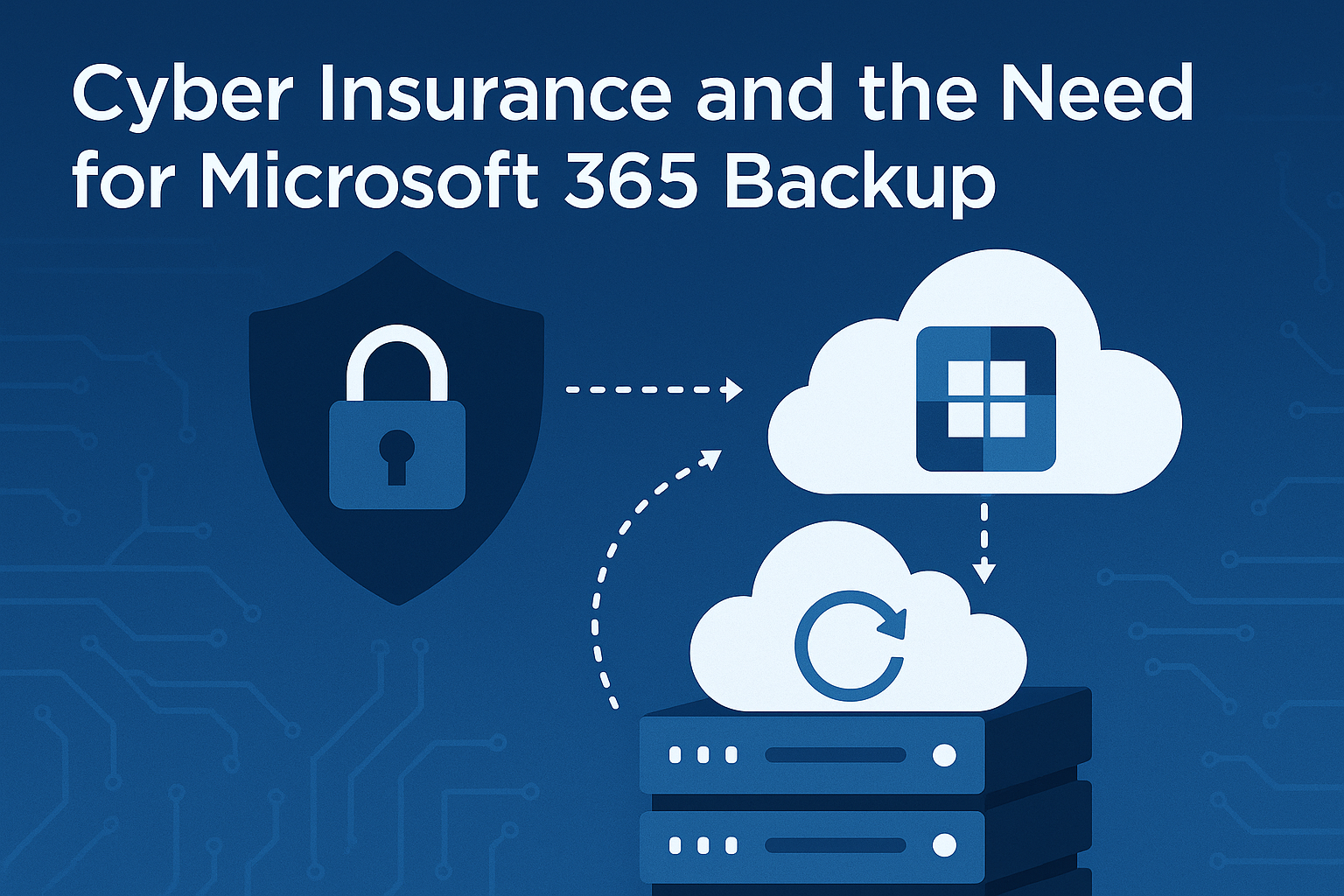
      Cyber Insurance and the Need for Microsoft 365 Backup

      Why Backup is Becoming a Policy Requirement — and What That Means for Your Organisation

      Cyber insurance has become an essential component of business continuity planning. However, as cyber threats grow more advanced, insurers are tightening their requirements. One of the most significant emerging conditions is the requirement for Microsoft 365 (M365) backup — something many organisations still overlook.

      At DSM, we’re seeing this shift first-hand, as clients look to ensure their data protection posture meets evolving cyber insurance standards. In this article, we explain what’s driving this requirement, what constitutes a compliant backup solution, and how businesses can prepare effectively.


      Understanding the Change

      Microsoft’s Shared Responsibility Model

      Many organisations mistakenly believe that Microsoft fully protects M365 data. In fact, Microsoft’s cloud services operate under a shared responsibility model: they maintain the platform’s availability, but customers are responsible for protecting their own data against deletion, corruption, ransomware, and retention misconfiguration.

      Native tools such as recycle bins and retention policies offer limited protection, often for short periods (typically 30–90 days), and do not meet insurer expectations for full recoverability.

      The Rise of Cloud-Based Threats

      Microsoft 365 environments are increasingly being targeted by ransomware, phishing, and Business Email Compromise (BEC) attacks. In these scenarios, data loss is common — and without third-party backup, often irrecoverable.

      From an insurer’s perspective, the inability to restore critical business data significantly increases claim risk, operational disruption, and potential reputational harm.


      What Are Insurers Looking For?

      To reduce their exposure and improve resilience among policyholders, many cyber insurers now require customers to:

      • Demonstrate that M365 data is backed up externally
      • Show evidence of backup schedules and retention policies
      • Confirm that data is restorable in full or in part
      • Prove that storage is secure, monitored, and immutable

      Insurers may request this information at the point of application, during renewal, or even during a claim investigation.


      What This Means for Your Organisation

      1. Backup Is Now Essential for Compliance

      Whether you’re a regulated entity or a small business, having a suitable Microsoft 365 backup solution in place may now be a prerequisite for cyber insurance eligibility. Without one, insurers may:

      • Decline coverage
      • Increase premiums
      • Apply exclusions for cloud-related losses

      2. Greater Scrutiny During Due Diligence

      Expect more technical questions from underwriters, such as:

      • What backup technology do you use?
      • How often is data backed up?
      • What’s your retention period?
      • Is backup data immutable?
      • Have you tested your recovery processes?

      3. Operational Benefits Beyond Insurance

      Having robust backups of your Microsoft 365 environment doesn’t just satisfy insurers — it also strengthens your business continuity and disaster recovery planning, enhances compliance, and reduces recovery time in the event of an incident.


      What Does a Compliant Backup Look Like?

      At DSM, we recommend businesses deploy a dedicated backup solution that meets or exceeds the following criteria:

      ✔️ Comprehensive Coverage

      Protection for all core Microsoft 365 workloads:

      • Exchange Online (emails, calendar, contacts)
      • OneDrive for Business
      • SharePoint Online
      • Microsoft Teams (chats, files, meetings)
      • M365 Groups and Public Folders

      ✔️ Granular Recovery

      Ability to restore individual items such as emails, documents, calendar entries, or conversations — not just full mailboxes or accounts.

      ✔️ Immutable Storage

      Backups must be tamper-proof, using WORM (Write Once, Read Many) technology. This prevents attackers or internal users from modifying or deleting backup data — a key insurer requirement.

      ✔️ Automated Scheduling and Retention

      Daily or more frequent backups, with configurable retention periods to align with organisational needs or regulatory obligations.

      ✔️ Role-Based Access and MFA

      Administrator access to the backup platform should be restricted, audited, and protected by multi-factor authentication.

      ✔️ Data Location and Compliance

      Ensure data is stored in a secure UK or EU facility, in accordance with data protection regulations such as GDPR and DPA 2018.


      How DSM Can Help

      At DSM, we offer fully managed Microsoft 365 backup solutions that align with the expectations of both cyber insurers and regulatory bodies. Our platforms are:

      • Hosted within our UK-based Tier 3 data centre
      • Integrated with secure, immutable backup storage
      • Monitored and maintained by our accredited support team
      • Available with custom retention policies and rapid recovery SLAs

      Whether you’re looking to improve resilience, achieve cyber insurance compliance, or simply secure your cloud data, DSM can provide a tailored backup strategy to meet your needs.


      Next Steps

      If you’re unsure whether your current Microsoft 365 environment is sufficiently protected — or if your insurer has introduced new data protection requirements — we recommend taking the following steps:

      1. Audit your existing M365 backup arrangements
      2. Consult your insurer or broker to confirm their backup requirements
      3. Speak with a DSM advisor to explore compliant backup solutions

      Get in touch today to discuss how DSM can help you meet cyber insurance standards with confidence.

      62b6539c 01dc 4d5a 8445 3d8fedc647d9

      Sustainability and Data Storage: Why It Matters More Than Ever

      Last week, we were proud to host a Sustainability Summit alongside the Cambridgeshire Chamber of Commerce at our state-of-the-art DSM ESG Data Centre. Bringing together local businesses, sustainability advocates, and technology leaders, the event sparked important conversations around the intersection of environmental responsibility and digital infrastructure.

      As businesses across every sector move increasingly into the digital world, sustainable data storage and management are becoming critical. It’s no longer enough to ask how your data is protected — it’s also time to ask at what environmental cost?

      Why Sustainable Data Centres Matter

      Data centres are essential for modern business operations, but traditional facilities can be enormous consumers of energy and water. Globally, data centres account for approximately 1–2% of all electricity use, and with data consumption only increasing, that figure is set to rise.

      Choosing a data partner committed to Environmental, Social, and Governance (ESG) principles helps businesses:

      • Reduce their carbon footprint
      • Meet sustainability targets and regulatory requirements
      • Demonstrate responsible supply chain management to stakeholders
      • Drive positive change across industries

      At the Summit, it was clear: businesses want to be part of the solution. But not all data centres are created equal.

      DSM’s ESG Data Centre: Leading the Way

      At DSM Group, sustainability is not an afterthought — it’s built into our DNA. Our ESG Data Centre, located in Cambridgeshire, has been developed from the ground up to minimise environmental impact without compromising performance, security, or reliability.

      Here’s how we do it differently:

      • Onsite Cooling Lake: Naturally cools equipment without relying solely on energy-intensive mechanical cooling, significantly reducing power usage.
      • Water-Cooled Racks: Our cutting-edge cooling technology improves energy efficiency and extends equipment life.
      • 200kW Solar Farm: Our own solar installation powers a large portion of our operation, reducing reliance on the grid and lowering carbon emissions.
      • Nature Reserve: We’re actively rewilding land around the site, supporting local biodiversity, and ensuring that the land we operate on gives back more than it takes.
      • Sustainability First Design: From construction materials to waste management, every aspect of our facility has been engineered with ESG principles in mind.
      • ISO 27001:2022 Accredited: Security is never compromised — we’re certified to the latest international standards for information security.

      When you’re selecting a data storage or backup partner, look beyond the price tag. Consider their:

      • Energy sources and consumption
      • Cooling methods
      • Carbon reduction commitments
      • Social responsibility initiatives
      • Governance and security practices

      Partnering with an ESG-driven provider like DSM allows you to safeguard your data and your sustainability credentials at the same time.

      Chamber Members Offer: 20% Off Data Backup for 12 Months

      As a thank you to everyone who attended the Sustainability Summit — and to support local businesses committed to sustainable growth — we’re delighted to offer Cambridgeshire Chamber of Commerce members 20% off data backup services for the first 12 months when signing up as a new customer.

      Our data backup services offer:

      • Fully UK-based storage
      • 24/7 support
      • Military-grade encryption
      • Flexible, scalable solutions to fit businesses of all sizes

      Secure your data. Support the planet. Save money.
      Contact us today to find out more and take advantage of this limited-time offer.